Multi-Identity Account Switching
If you use separate Planton accounts for different clients, teams, or environments, you no longer need to log out and back in to move between them. The console now supports multi-identity account switching — link multiple accounts in the same browser session and switch between them instantly from the profile dropdown.
This is the same pattern GitHub uses for account switching: a swap icon in the profile menu reveals your linked accounts, and clicking one promotes it to the active session in under a second.
Switching Accounts
Click the swap icon (⇄) next to your name in the profile dropdown to reveal the account switcher panel. You'll see every account you've linked in this browser, each with its own avatar and email.
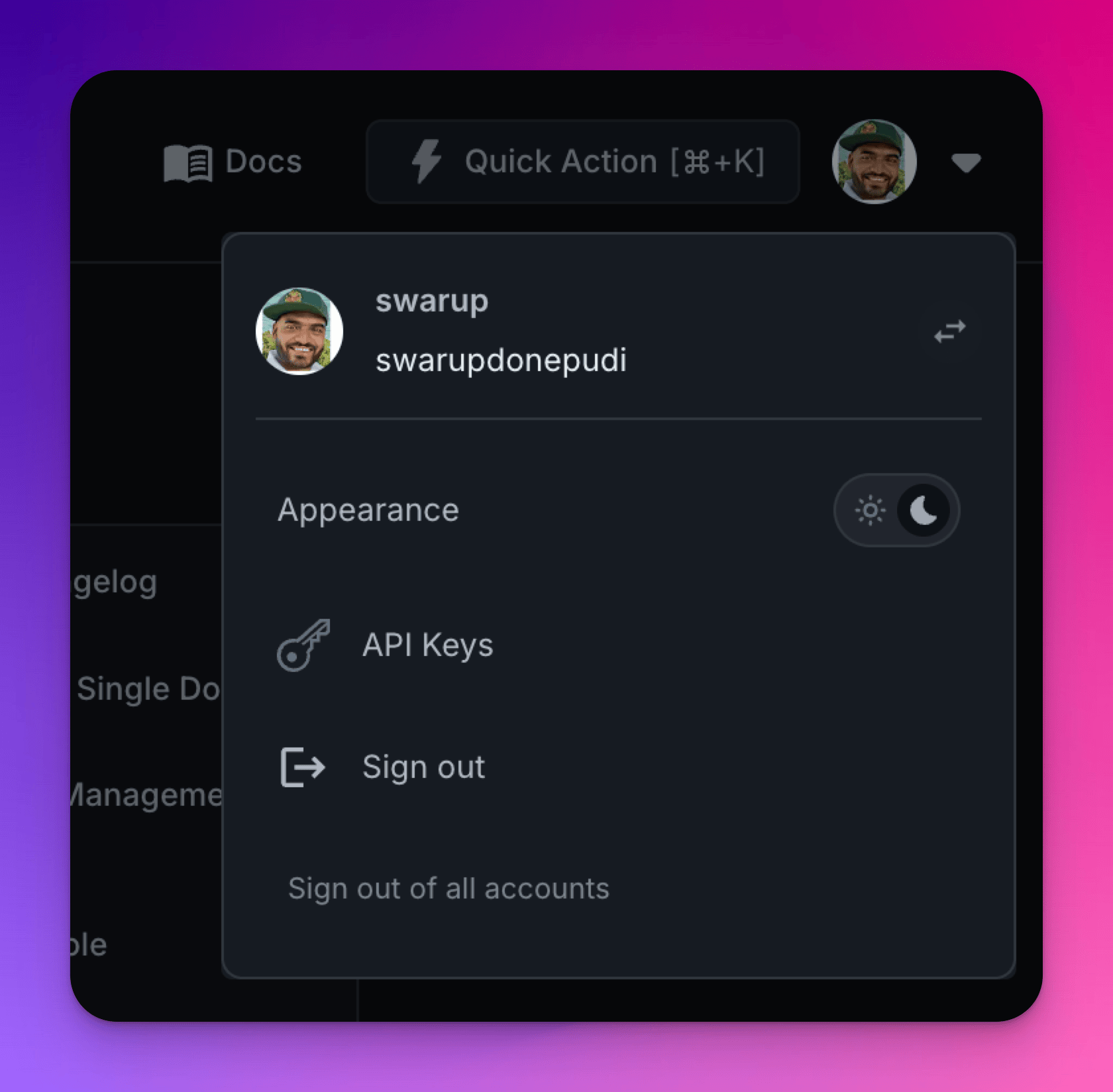
Click any linked account to switch to it. The switch completes in under a second — your tokens are refreshed in the background and the dashboard reloads with the new identity. No redirect to Auth0 or Keycloak, no password prompt.
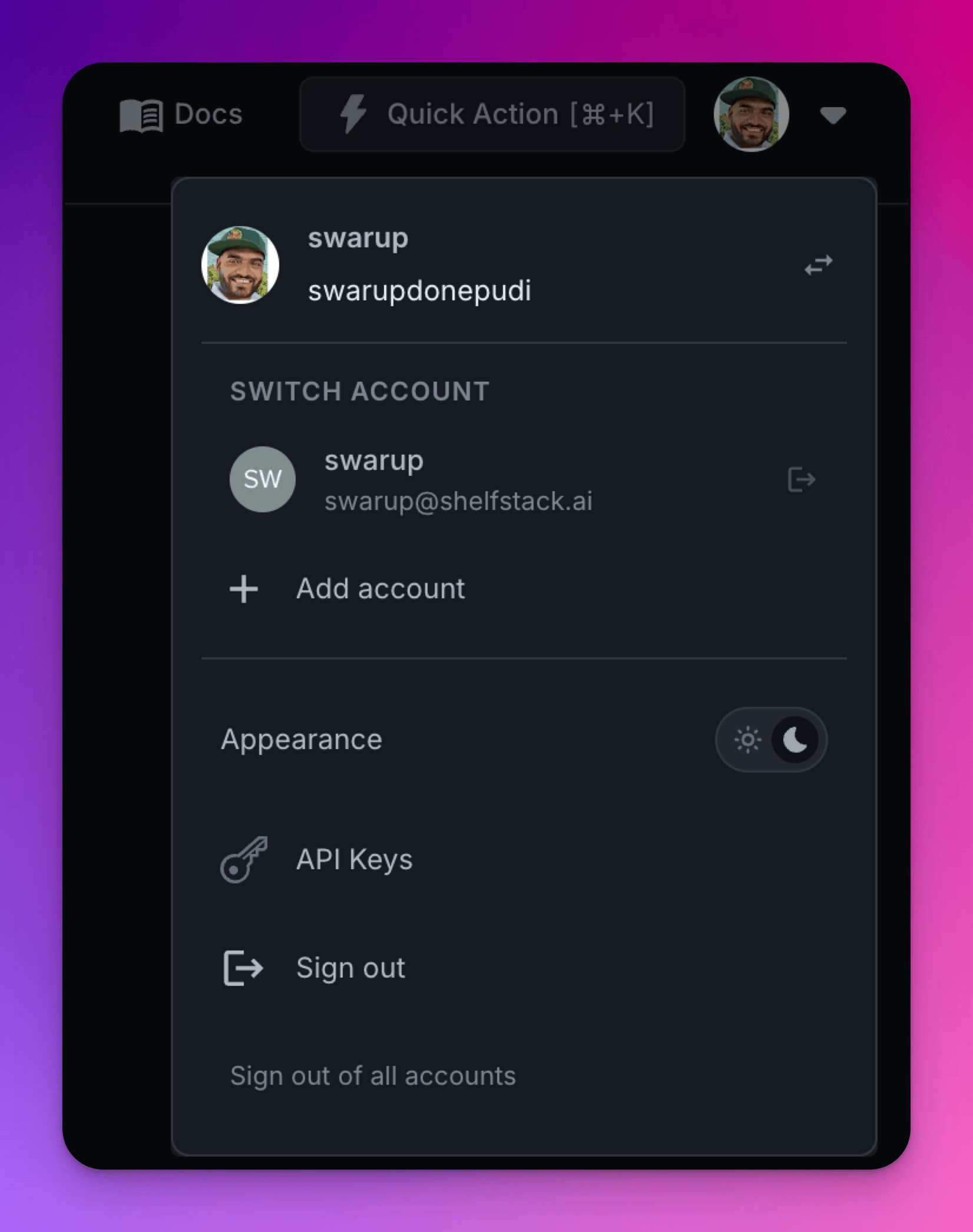
Adding Accounts
To link a new account, open the switcher and click Add account. You'll be redirected to your identity provider to authenticate with different credentials. Once complete, the new account appears in the switcher alongside your existing ones.
Each linked account remembers its last active organization and environment. When you switch back to an account, you land exactly where you left off — the correct org and environment are restored automatically.
Smart Sign-Out
Sign-out behavior adapts to your linked accounts:
- Sign out logs out of only the active account and switches you to the next linked one
- Sign out of all accounts performs a full logout, clearing every linked session
If you only have one account linked, both options behave the same way.
Why This Matters
- Consultants and agencies managing multiple client organizations can switch contexts without breaking flow
- Platform operators toggling between admin and test accounts no longer lose their place
- Instant switching — under one second per switch, no identity provider redirects
- Per-account context memory — each identity remembers its last organization and environment
- Works with both Auth0 and Keycloak — the feature uses standard OAuth2 token refresh, so it works identically regardless of which identity provider your deployment uses